






Alert emails examples
- Copy Page Tree
- Bruno Miretti (Deactivated)
Table of contents
License dongle not present
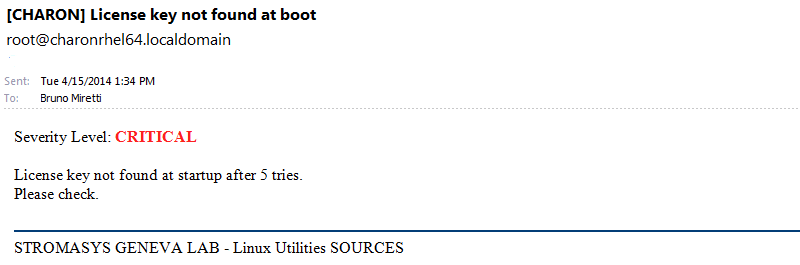
License dongle now connected
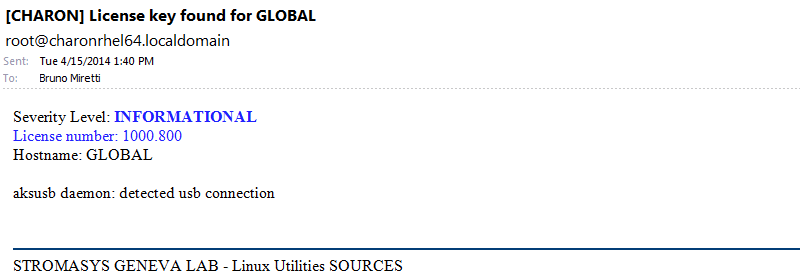
Emulator start information
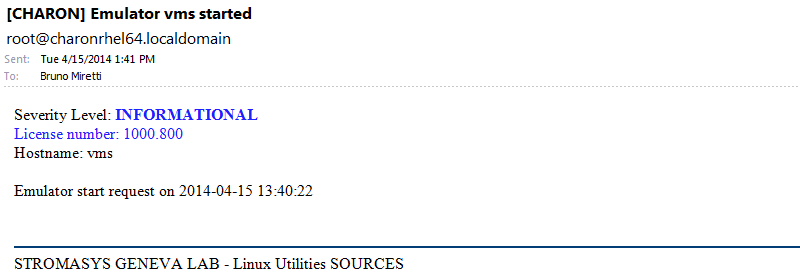
Emulator start - License information
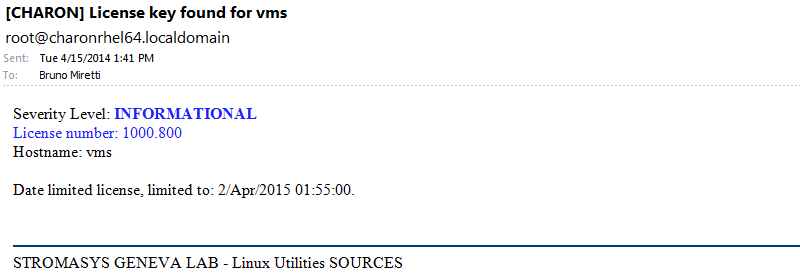
Dongle disconnection: immediate detection
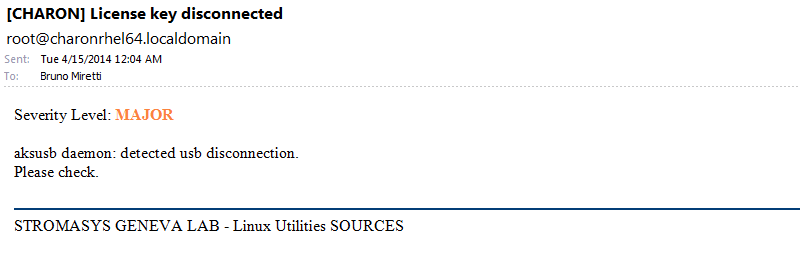
Dongle disconnection: emulator detection based on check interval
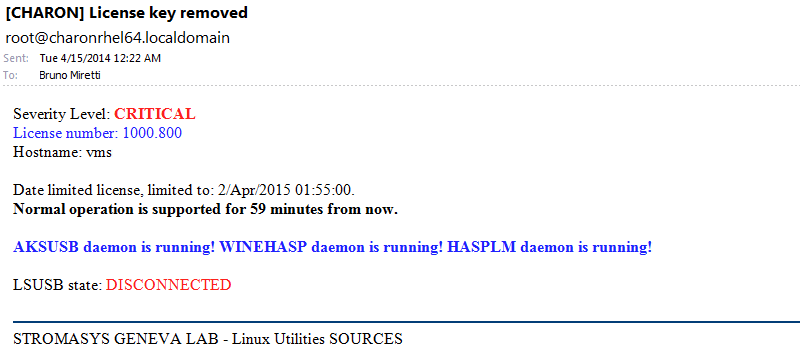
Dongle false disconnection detected - recovery action engaged
 It can occur, due to hardware failure or driver problem, the dongle is seen as disconnected whereas it is still physically connected to the server. The Toolkit contains a workaround to prevent from the virtual machine to stop in case the license is no more reachable. A message as follows is then sent:
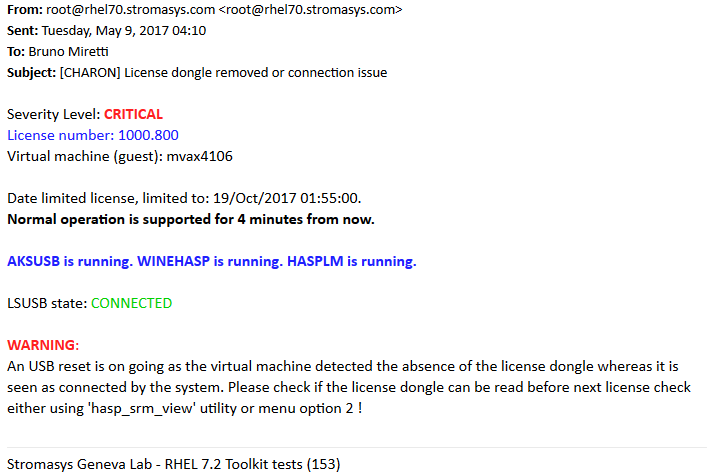
Other messages will be sent:

A "dongle disconnected" message followed by a "dongle found" message will be sent, this is due to the USB reset. If the USB reset operation is successful then the license dongle found message for the virtual machine is sent, meaning the recovery operation did prevent the virtual machine to stop.
 An event can be generated with the error level meaning the license is no more reachable. This event is cleared if the dongle found message is sent.
Emulator stopped - no action taken
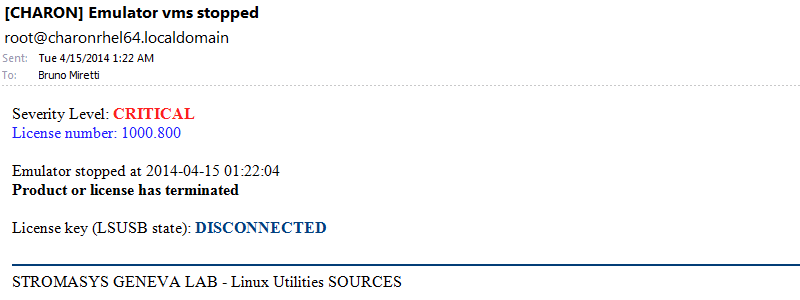
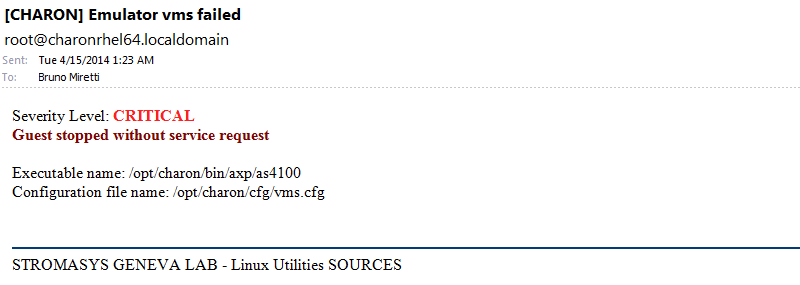
Emulator stopped without service request
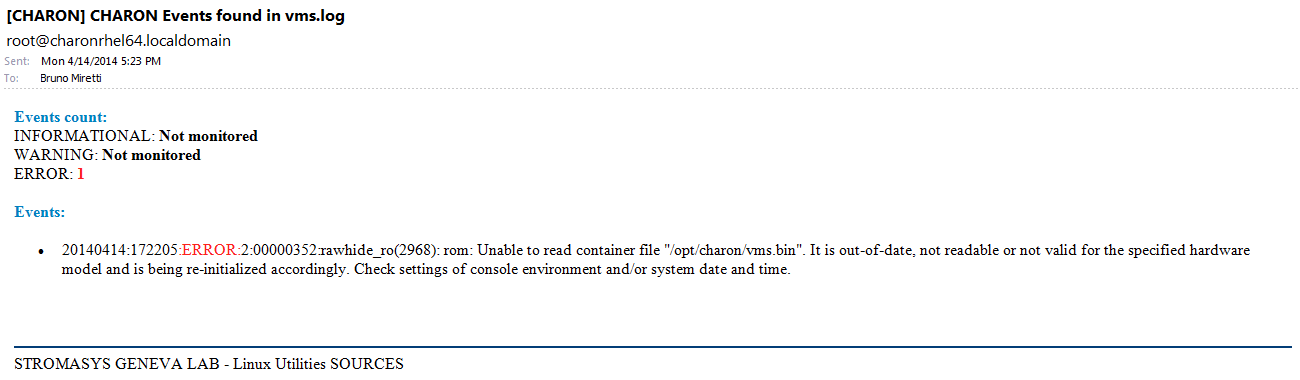
Errors found in the emulator's log file
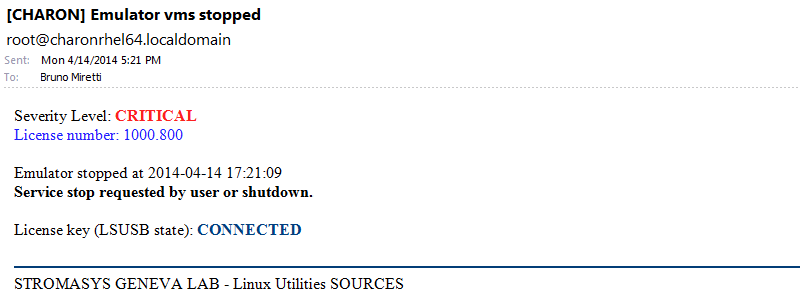
Emulator stopped by user request
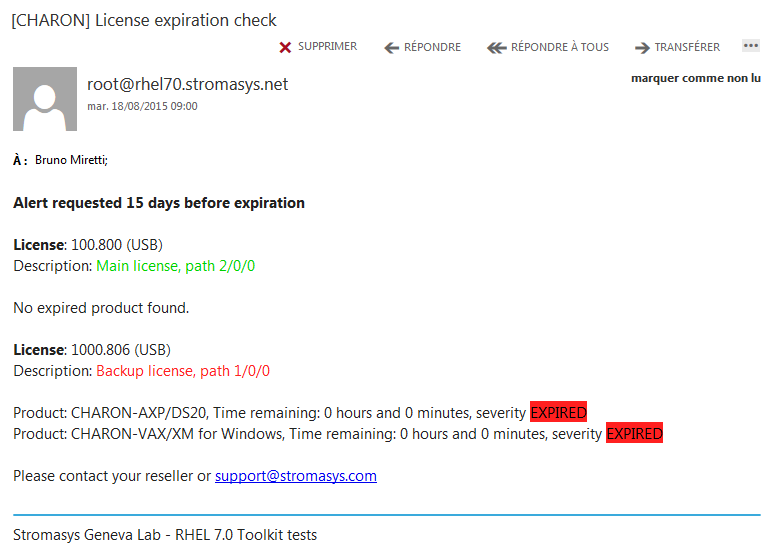
License expiration check
Related content
© Stromasys, 1999-2024 - All the information is provided on the best effort basis, and might be changed anytime without notice. Information provided does not mean Stromasys commitment to any features described.